If someone on your team wants to leave your chapter, you can mark them as "inactive" in Secret Sauce by clicking the toggle by their name in your user list.

This makes it so that they won't be on your member list for meetings or get your emails, but if they ever want to join again later, they can without paying their dues again. This also makes sure that their author page still exists on the site if they have ever written articles.
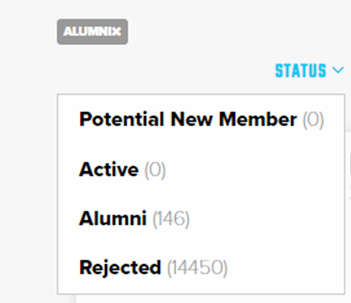
You can find users that you've made inactive by filtering Status to “Alumni.”