
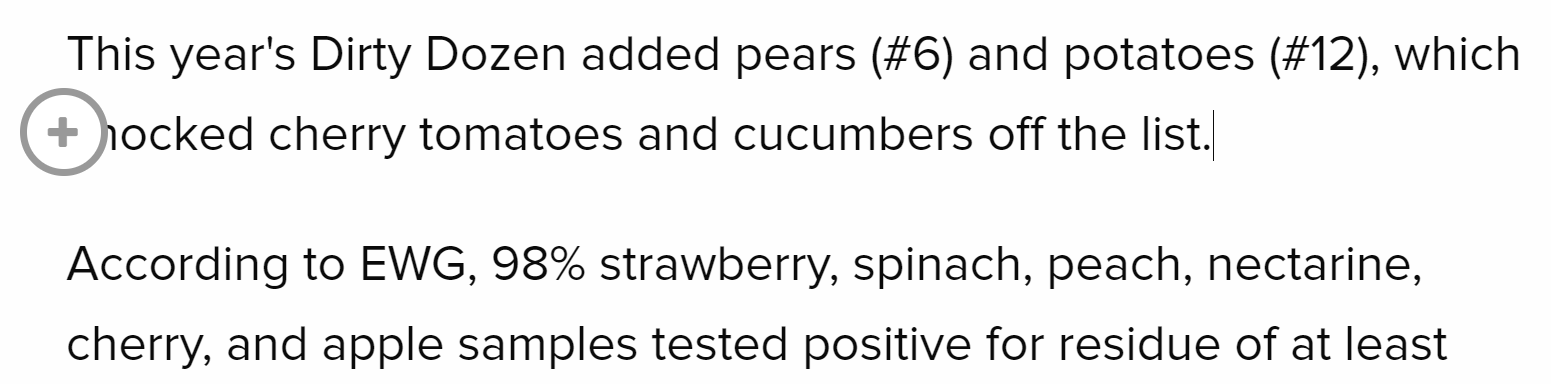
If you press enter after a text paragraph (or between two paragraphs) you will see a plus sign appear between them.
You can only add a photo if it was taken by a photographer with an account in Secret Sauce. If that's true, this is how you upload a photo:
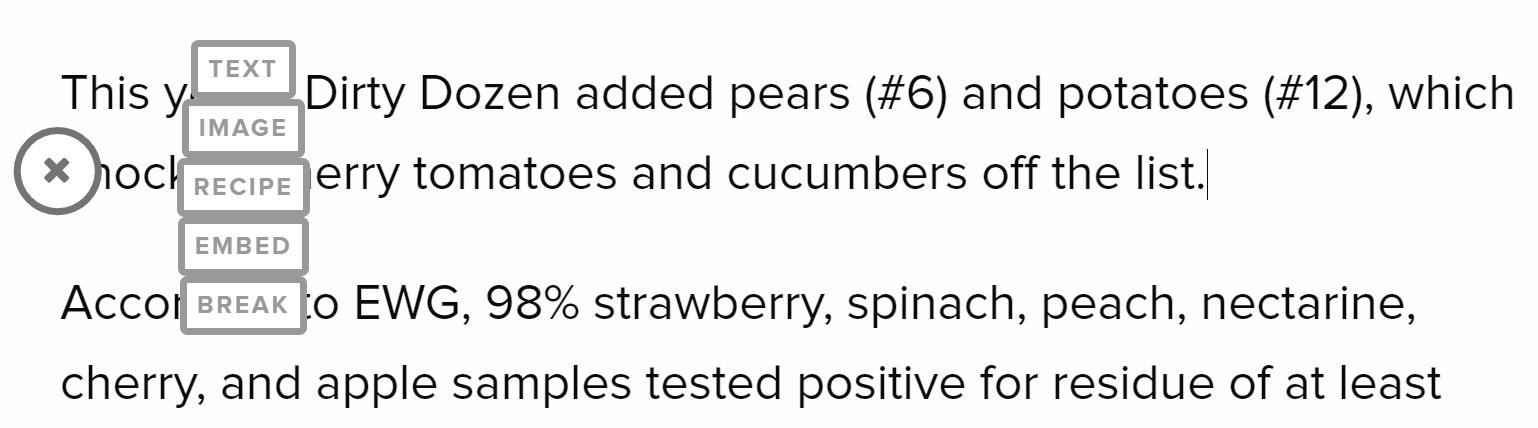
If you click the plus sign, you'll see the different sections you can add to your article: more text, image, recipe, embed, or paragraph break.
If you click "image" you'll see a green placeholder appear in your article.

You can upload your own image, or search through Spoon's image gallery. The image gallery includes stock photos and images from other Spoon articles.
If you upload an image, it must be taken by yourself or another Spoon contributor. Add a credit for the photo by clicking the "plus" button on the bottom right of a photo, and you can search for the photographer’s account.
If you don't have rights to the photo, you can't upload it.